
The Template Library
Claras includes a library of ready-to-use meeting and document templates, each designed to slot into a common point in the advice process. You can use these as they are, customise or create your own to match your practice standards.
Meeting templates control what information gets captured in your file note, the agenda items, and format of the client email. They should represent the different types of client meetings you conduct, and can be customised to capture internal, ad-hoc or other meetings your practice holds.
Document templates pull information from multiple meetings and sources to create advice documentation. They include optional sections and conditional logic that adapts content based on client circumstances. Advisers can also add their brief and areas of expertise directly to a template, so generated content reflects their specific focus and approach.
Meetings
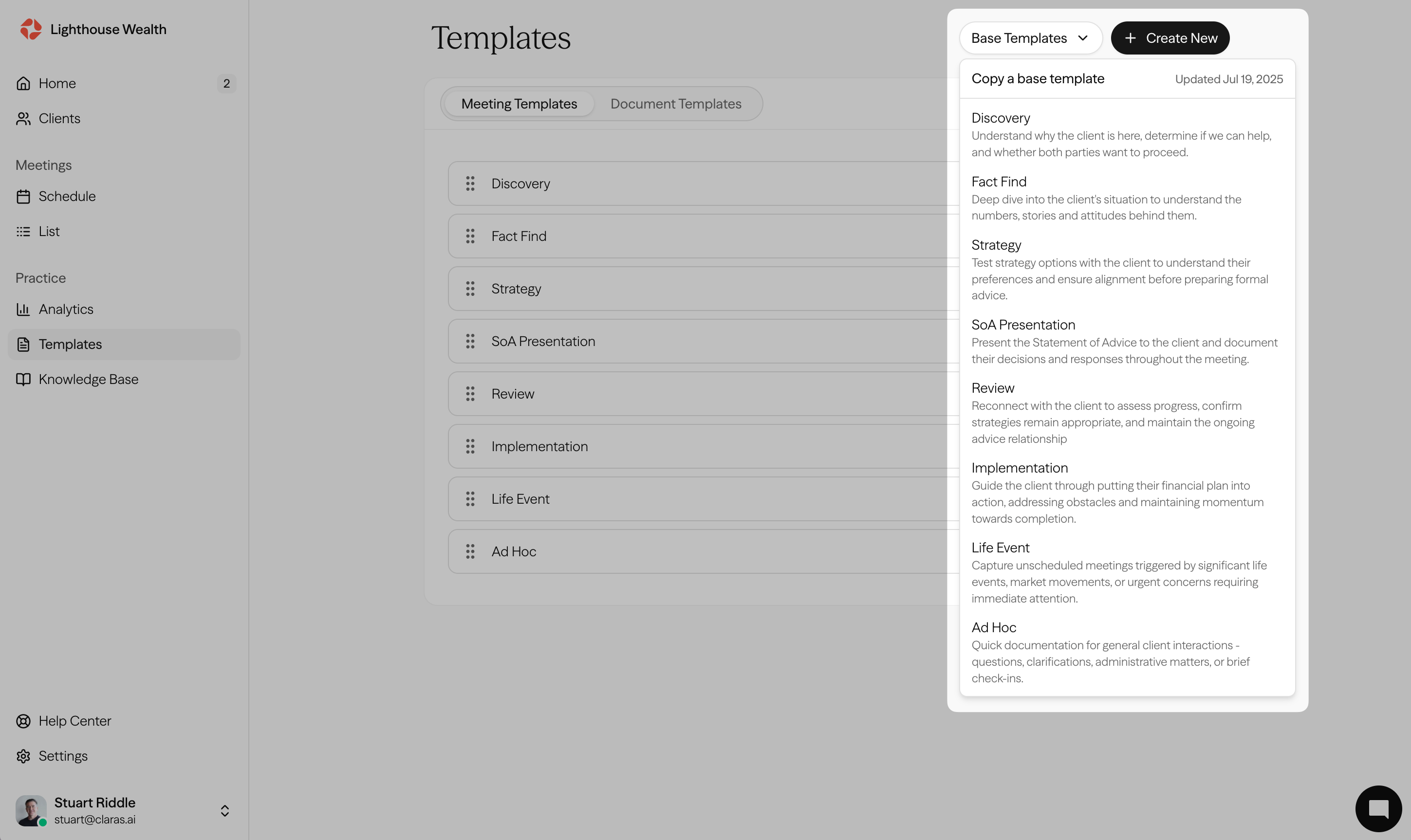
Default meeting templates are already installed in your practice account. If you've removed a default template and want to restore it, select it from the Base Templates dropdown at the top of the Meeting Templates page.
How-to guides
To create your own meeting templates, follow this guide
Learn how to improve your meeting templates here
To share templates across teams in a multi-team organisation, see Sharing Templates Across Teams
Documents
Default document templates have been developed with compliance and quality standards in mind, covering the structure, disclosures, and guidance required for each document type. Use them as a starting point and adapt them to your practice, or create your own from scratch.
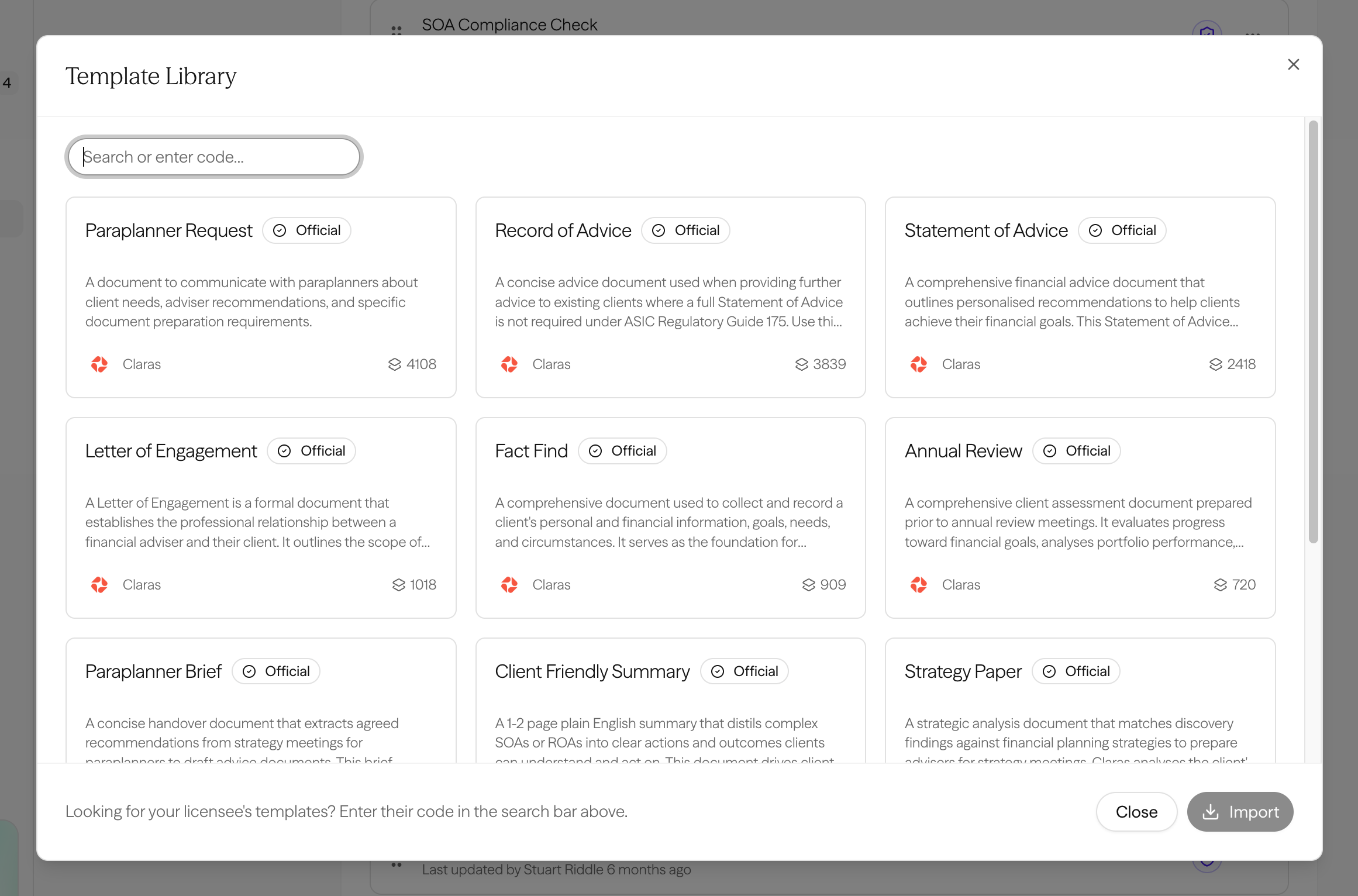
To use a document template:
Go to Templates → Document Templates → Browse library
Click into a template to preview it
Click Use template to copy it to your account
You can copy multiple instances of a template to test different versions.
Template updates
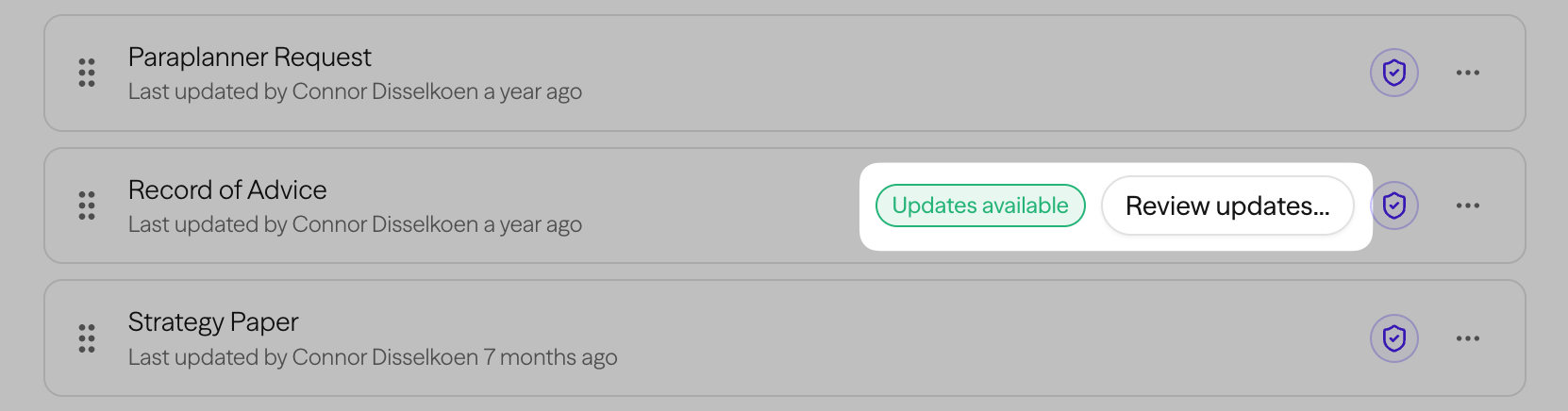
The default document templates receive ongoing improvements, including refined prompts, section structures, and guidance. When you copy a template to your account, the copy becomes independent, but you will be notified of any updates, which you can choose to review and merge.
Licensee templates
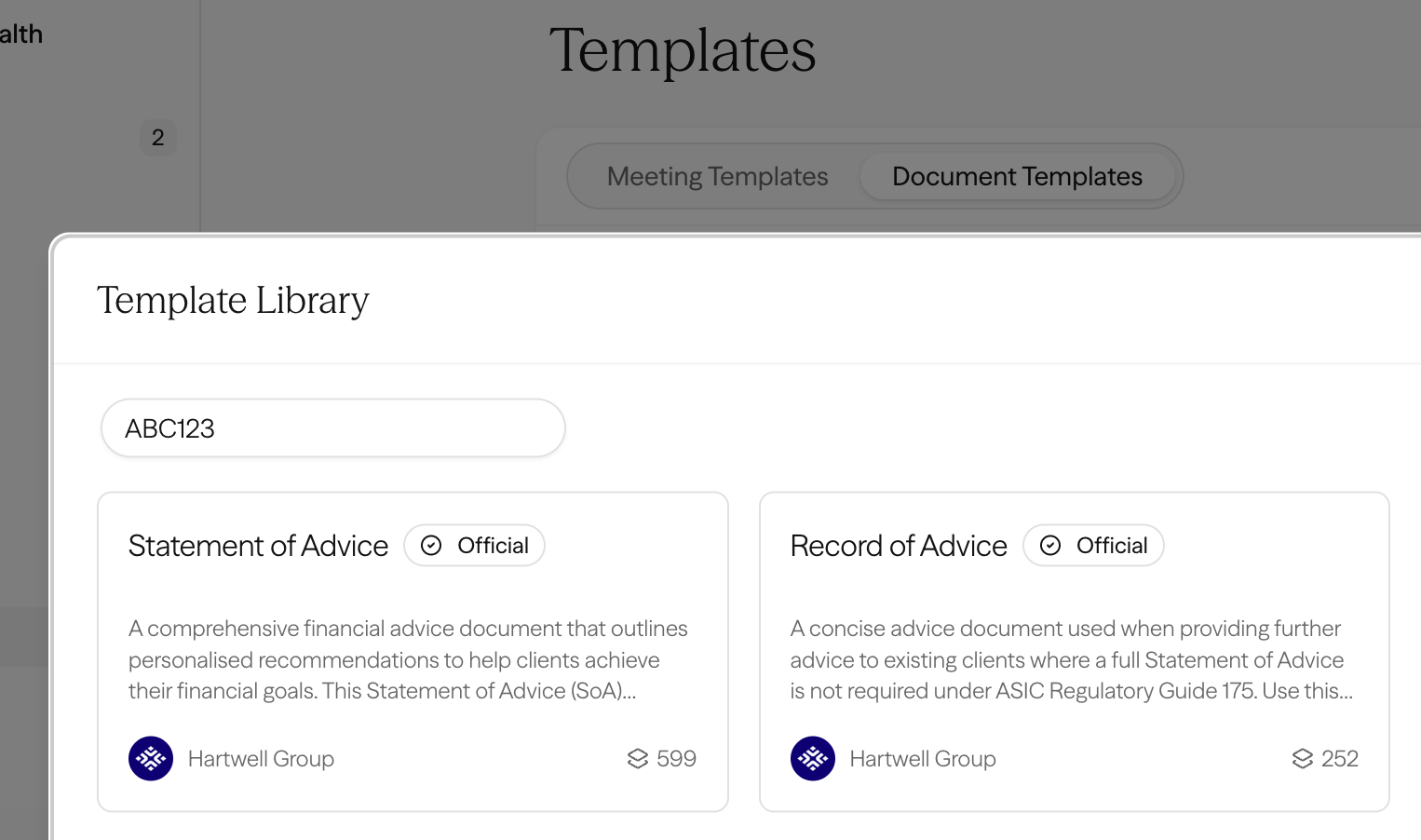
If your licensee has partnered with Claras, their official templates are available directly in the library, pre-loaded so you can get started without building from scratch.
To access them, paste your licensee's code into the search bar in the Template Library. Their templates will appear ready to preview and copy to your account.
Don't have your code? Ask your licensee directly, or contact us and we'll help get you connected.
How-to guides
To create your own document templates, follow this guide
Learn how to improve your document templates here
To share templates across teams, see Sharing Templates Across Teams
Last updated 23rd July 2026 by Connor